Walk into most offices a few years ago and you would see the same thing at the front desk: a spiral notebook, a pen tied to a string, and a receptionist asking the same five questions to every guest. This is the traditional paper visitor register, and it has been the default for decades.
The problem is that this process was never built for how busy modern workplaces are. Paper registers create real, everyday headaches:
- Manual entry takes time, and visitors often write illegibly or skip fields.
- Long queues form when several visitors arrive at once, especially during busy hours.
- Difficult record retrieval makes it hard to find who visited on a specific date months later.
- Limited visitor visibility means no one has a real-time view of who is currently on site.
- Security and compliance concerns grow when sensitive visitor data sits in an open notebook anyone can flip through.
A visitor management system (VMS) was built to solve these exact problems. It replaces the notebook with a digital process that is faster, more organized, and easier to search.
In this guide, you will learn what a visitor management system is, how it works step by step, its core features, who typically uses one, what it costs, and how to decide if your organization actually needs one.
What Is a Visitor Management System?
Quick Answer: A visitor management system is a digital solution that helps organizations register, monitor, and manage visitors entering their premises, from the moment they arrive to the moment they leave.
Definition: A Visitor Management System is a digital solution that helps organizations register, monitor, and manage visitors entering their premises.
At its core, a VMS manages the full visitor journey, from check-in to check-out. Instead of a receptionist manually writing down details, organizations use software running on kiosks, tablets, or reception desk devices to register each visitor.
Many modern systems can automate several tasks that used to be done by hand, including:
- Visitor registration
- Host notifications
- Badge printing
- Visitor tracking
- Check-out
- Visitor records and reporting
A simple example: A visitor arrives at an office and checks in on a tablet at the front desk. They enter their name, the person they are visiting, and the purpose of the visit. The system instantly notifies the host by email or text. A temporary badge prints out. When the meeting ends, the visitor checks out, and the system logs the exact time they left.
What Does a Visitor Management System Replace?
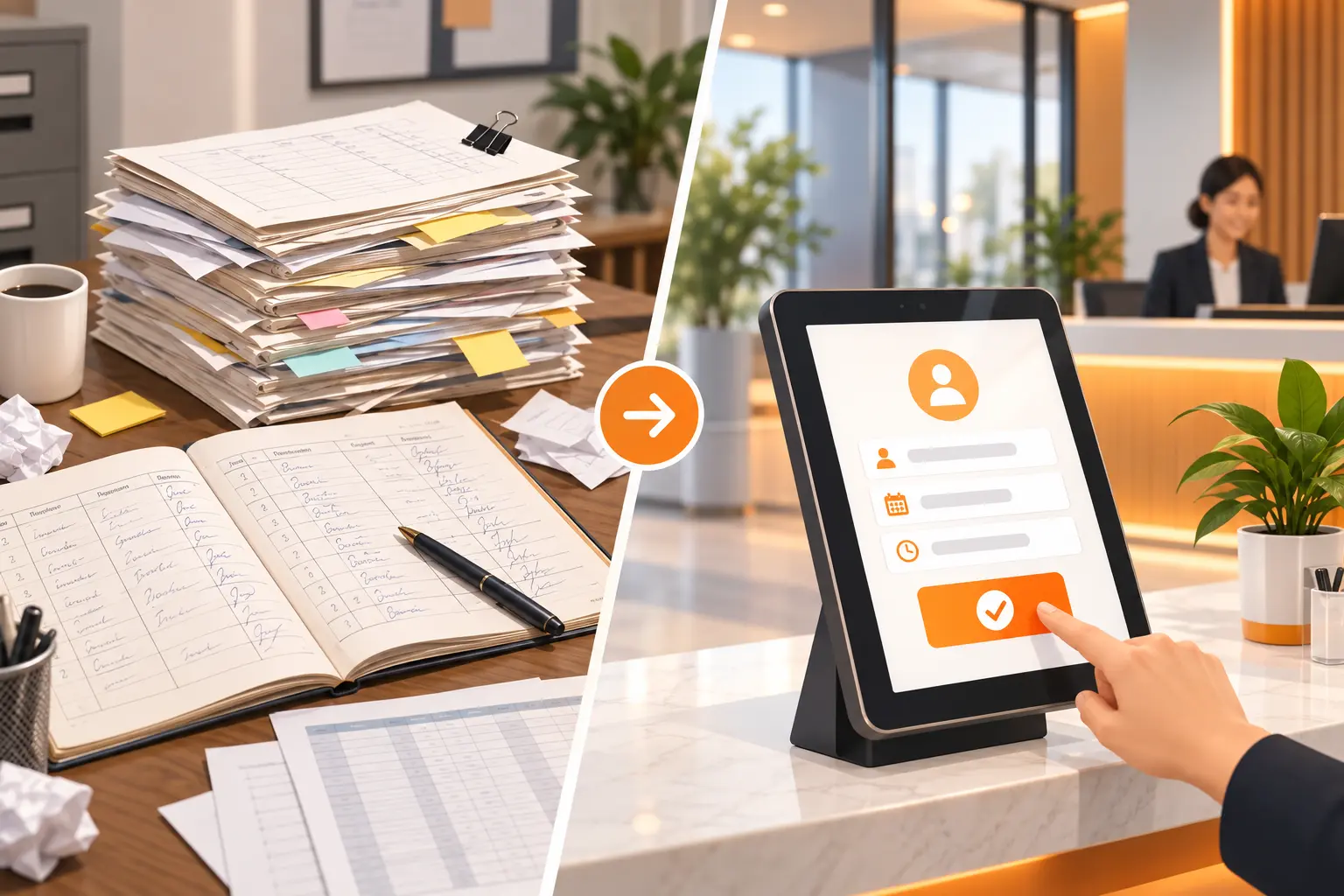
A VMS is designed to reduce or replace several outdated, manual processes.
Paper Visitor Register
Paper logs are the most common thing a VMS replaces. This includes:
- Handwritten visitor details
- Manual searching through pages of old records
- Missing or illegible information
- Limited or no reporting capability
Manual Reception Processes
Receptionists often repeat the same manual steps for every visitor, such as:
- Re-entering the same information by hand
- Calling employees one by one to announce a guest
- Maintaining separate spreadsheets for visitor logs
- Manually writing or printing visitor badges
Scattered Visitor Records
Without a central system, visitor data often ends up spread across:
- Excel sheets
- Paper forms
- Separate logbooks
- Generally unorganized visitor data
Important note: Not every organization switches over completely. Some companies eliminate paper registers entirely, while others run digital and manual processes side by side during a transition period.
How Does a Visitor Management System Work?
Here is a simple, step-by-step look at a typical visitor journey through a VMS.
- Visitor Arrives – The visitor reaches the reception area or entrance.
- Visitor Registers – They enter their details through a kiosk, tablet, QR code, or the reception desk.
- Identity or Information Verification – Depending on the organization's policy, visitor details or ID may be checked.
- Host Notification – The employee being visited automatically receives a notification.
- Visitor Badge – A temporary visitor badge may be issued for identification.
- Visit Takes Place – Security or reception staff can see who is currently inside the building.
- Visitor Checks Out – The system records the exact time the visitor leaves.
This structured flow is what makes a VMS more reliable than a paper log, since every step is time-stamped and searchable.
Core Features of a Visitor Management System
Here are the features most commonly found in visitor management software.
| Feature | What It Does |
|---|---|
| Visitor Registration | Collects visitor information digitally |
| Check-In & Check-Out | Records entry and exit times |
| Host Notifications | Alerts the employee when their visitor arrives |
| Badge Printing | Creates temporary ID badges |
| Pre-Registration | Lets employees register expected visitors in advance |
| QR Code Check-In | Speeds up registration where supported |
| Visitor Tracking | Shows who is currently on the premises |
| Visitor History & Reports | Lets authorized staff review past visits |
| ID Verification | Supports identity checks, depending on the system |
| Emergency & Evacuation Support | Gives security a current visitor list during emergencies |
| Multi-Location Management | Helps organizations manage visitors across several sites |
Not every product includes every feature above. Availability depends on the specific vendor and plan.
Who Needs a Visitor Management System?
A common misconception is that VMS software is only for large corporate offices. In reality, many types of organizations use one.
- Corporate Offices – for employees, clients, candidates, vendors, and business partners.
- Manufacturing & Industrial Facilities – for contractors, suppliers, and drivers.
- Schools & Educational Institutions – for parents, guests, and vendors.
- Hospitals & Healthcare Facilities – for visitors, vendors, and contractors.
- IT & Technology Companies – for clients, interview candidates, and partners.
- Co-Working Spaces – for members' guests and external visitors.
- Residential Communities – for managing guest and service-provider access.
- Government & Institutional Buildings – for controlled access and record keeping.
No Credit Card Required!
Start Your Free Trial Today
Experience all the amazing functionalities of VizMan with our 14-day free trial. No commitment, full access to all features.
Register NowWhy Do Organizations Use Visitor Management Systems?
Organizations adopt a VMS for practical business reasons, not just for the technology itself. Key benefits include:
- Better visitor experience – faster, more professional check-in.
- Improved visibility – always know who is currently inside.
- Less manual work – automates repetitive reception tasks.
- Better record keeping – organized, searchable digital records.
- Stronger access control processes – visitors follow a consistent entry procedure.
- Faster reporting – retrieve visitor data quickly when needed.
- Professional workplace experience – a modern first impression for guests.
- Scalability – easier to manage more visitors and more locations as the organization grows.
Visitor Management System vs. Paper Visitor Register
| Factor | Paper Register | Visitor Management System |
|---|---|---|
| Registration | Manual | Digital |
| Record Search | Time-consuming | Faster |
| Host Notification | Usually manual | Can be automated |
| Visitor Badge | Manual | Can be automated |
| Visitor Tracking | Limited | Real-time or centralized, depending on system |
| Reporting | Manual | Automated reports |
| Record Storage | Physical files | Digital records |
| Multi-Location Management | Difficult | Easier |
| Visitor Experience | Basic | More streamlined |
Keep in mind that not every VMS product offers every capability listed here. Always confirm exact features with the vendor before buying.
How Much Does a Visitor Management System Cost?
Quick Answer: There is no single standard price for a visitor management system. Cost depends on your organization's size, features needed, and hardware requirements.
Several factors influence the final price:
- Number of locations
- Number of users
- Number of visitors
- Required features
- Kiosk or tablet requirements
- Badge printer and other hardware
- ID verification requirements
- Integrations with other software
- Customization needs
- Implementation and onboarding
- Ongoing support and maintenance
Common pricing models include:
- Monthly or annual subscription
- Per-location pricing
- Per-user pricing
- Per-visitor or usage-based pricing
- Custom enterprise pricing
- Combined hardware plus software pricing
When comparing providers, look beyond the lowest subscription fee. Factor in hardware costs, support quality, and whether the plan covers all the features your organization actually needs.
What Should You Look for When Choosing a Visitor Management System?
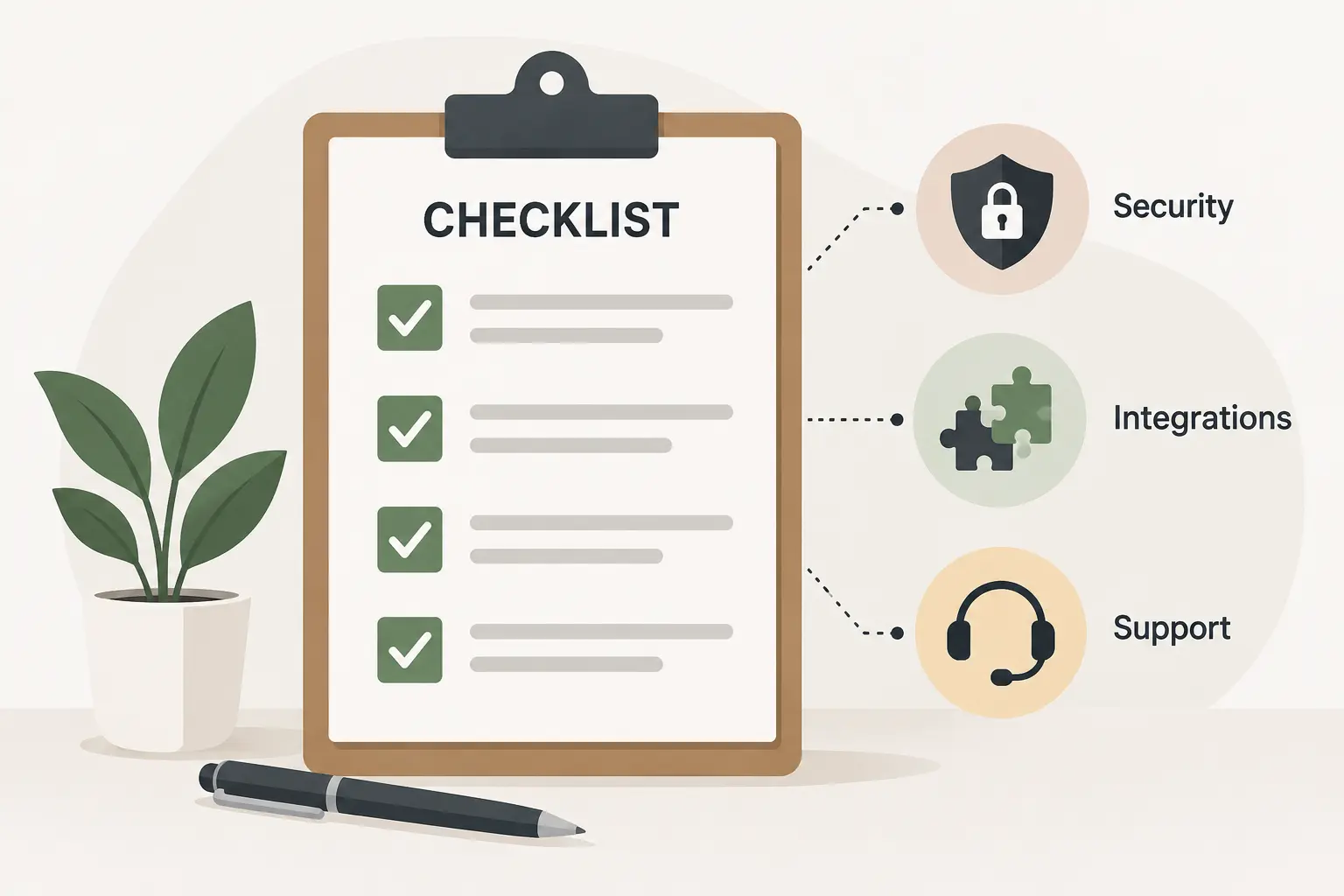
Buyer Checklist:
- Easy visitor check-in
- Simple, intuitive interface
- Host notifications
- Visitor pre-registration
- Visitor badge printing
- Visitor history and reporting
- Security and privacy controls
- Role-based access
- Multi-location support
- Integrations with existing tools
- Scalability for future growth
- Reliable customer support
- Transparent pricing
- Hardware compatibility
Is a Visitor Management System Worth It?
A visitor management system tends to be especially valuable when an organization:
- Receives visitors regularly
- Has security or compliance requirements
- Manages multiple locations
- Wants to reduce reception workload
- Needs searchable visitor records
- Wants a more professional check-in experience
On the other hand, organizations with very few visitors may find that a simple manual process is still sufficient for their needs. There is no universal answer. The right choice depends on your visitor volume, budget, and operational requirements.
No Credit Card Required!
Start Your Free Trial Today
Experience all the amazing functionalities of VizMan with our 14-day free trial. No commitment, full access to all features.
Register NowKey Takeaways
- A visitor management system digitally manages visitors from check-in to check-out.
- It replaces paper registers, manual reception work, and scattered visitor records.
- Core features include registration, host notifications, badge printing, tracking, and reporting.
- Organizations of all sizes and industries can use a VMS, not just large corporations.
- Pricing varies widely and depends on locations, users, features, and hardware.
- A VMS is most valuable for organizations with regular visitor traffic, multiple locations, or compliance needs.